Arcade
4.7
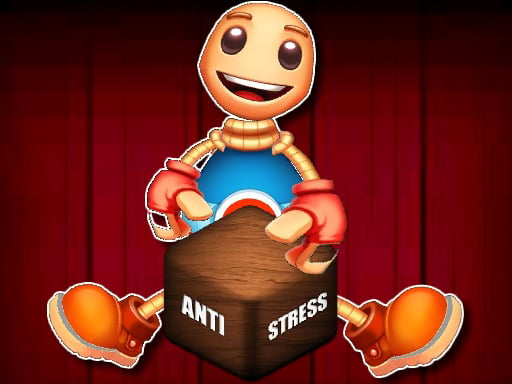
Anti Stress Game
Anti Stress Game
6,179
Anti Stress Game is a delightful HTML5 game designed for players of all ages. It offers a relaxing experience, encouraging you to unwind and enjoy yourself. By playing, you can bid farewell to stress and embrace a fun, carefree moment. Perfect for anyone looking to de-stress and have a good time.
Recommended Games

Anti Stress Game 2
4.26,207
Click or tap on the screen to interact and progress through the game. Use these inputs to respond to in-game prompts, solve puzzles, or control character actions effectively.
Halloween Defence
4.53,523
Use mouse clicks or screen touches to interact with the game elements. Each click or touch can select items, trigger actions, or navigate through menus. This direct interaction allows for intuitive and responsive gameplay, enhancing user engagement and control within the game environment.

The Lost Chicken
4.86,587
In Mouse Only, players control a small mouse navigating through various mazes. The objective is simple: reach the cheese at the end of each level while avoiding traps and obstacles set by a mischievous cat. Using only mouse movements, players guide their character through increasingly complex pathways. Speed and precision are key as the levels progress, adding more challenges like moving hazards and tighter spaces. Each successful run adds points, encouraging replay for higher scores.

Black Or White
4.04,452
Touch the screen to interact with elements and advance through the game by solving puzzles or collecting items.
Spongebob Coin Adventure
4.84,724
Click or tap the screen to interact and progress through the game. Use these inputs to respond to in-game prompts, solve puzzles, and navigate levels. Adjust your timing and accuracy for different challenges.
Endless Neon
4.56,394
In Touch Mouse players navigate through levels by guiding a mouse using touch inputs. Swiping on the screen moves the mouse left, right, up, or down. Collect cheese to score points and avoid cats and traps. Reach the exit door to complete each level. As you progress, levels become increasingly complex with more obstacles and challenges.
Cube Endless Jumping
4.24,974
Use arrow keys on the keyboard or swipe on the screen to control the character's movements. Tapping on the screen can be used for interactions or actions depending on the game scenario.
Slime Attack
4.65,177
Mouse - Click to select or interact Touch-screen - Tap to select or engage elements
Narrow Passage For Halloween
4.13,747
In Mouse, players assume the role of mice navigating through a cheese-filled maze. Each player selects a mouse pawn and places it at the starting point. On each turn, a player rolls a die to move their mouse forward, aiming to collect as much cheese as possible while avoiding traps and other dangers. Cheese pieces scattered throughout the maze are collected by landing exactly on spaces containing them. The game includes various challenges like cat tokens that can be placed to block paths or steal cheese, adding an element of risk and strategy. The first player to accumulate a predetermined amount of cheese wins the game, encouraging both luck and careful planning in every move.
Ouija Voices
4.94,472
In this game, players use a keyboard for primary commands and navigation, while the mouse handles aiming and interacting with objects in the game environment. This setup allows for precise control during gameplay, enhancing both movement and engagement with the game's elements.

Top Shootout: The Pirate Ship
4.85,690
Tap the screen to shoot. Each tap releases a shot and initiates a brief recharge period before you can fire again.Enemies approach from various directions, increasing in speed and number as you progress. Avoid collisions by moving your shooter left or right. Points are scored for each hit, with bonuses for consecutive hits on the same enemy.
PvP Pong Challenge
4.83,867
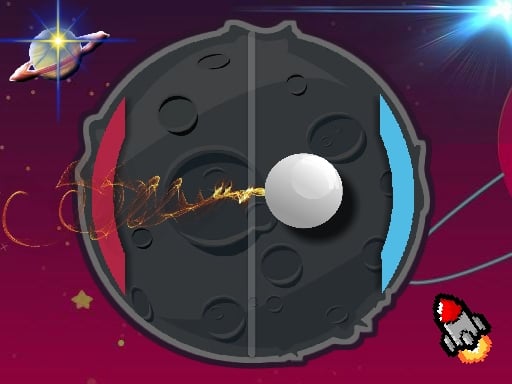
Use keyboard, mouse, or touchscreen taps to interact and control elements within the game, enhancing navigation and engagement seamlessly.
Final Night: Zombie Street Fight
4.85,908
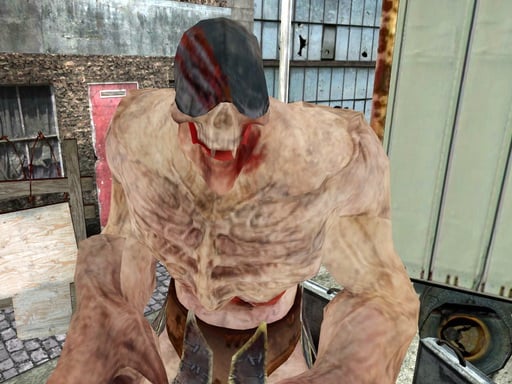
Use arrow keys to move left, right, up, or down. Press spacebar to jump over obstacles or reach higher platforms. Tap Z or X to attack enemies or break objects. Hold C to defend against incoming attacks or projectiles. Press Esc or Tab to pause the game and access options.

Rise Egg Up
4.65,995
Touch and drag the shield around to guard the egg, moving it swiftly to intercept any incoming threats before they can reach and harm the egg.
Shoot Your Nightmare: Space Isolation
4.83,618
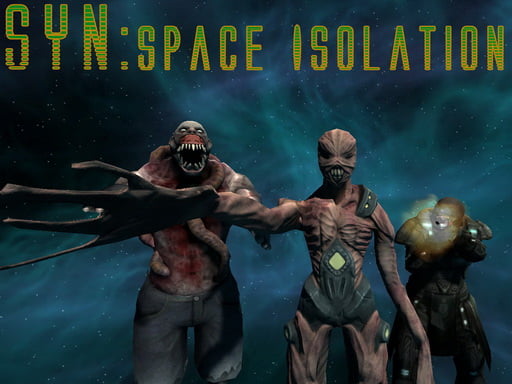
W A S D to move around Mouse to look around Left mouse button to shoot Right mouse button to aim Mouse wheel to switch weapons G to throw grenades R to reload F to pick up items Left Shift to sprint Left CTRL to crouch X to prone Space to jump

Fidget Spinner.io
4.53,068
Click or tap on the screen to interact and progress through the game. Use these inputs to respond to in-game prompts, solve puzzles, or control character actions effectively.
Scary Helix
4.27,429
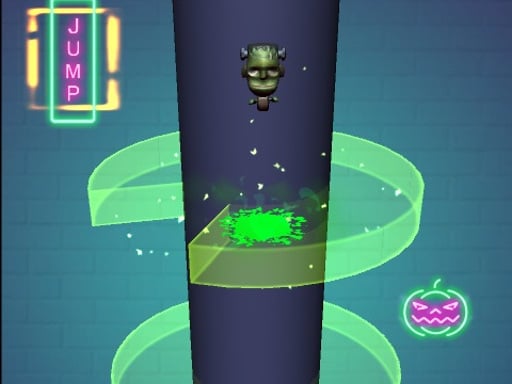
Use the mouse to click and interact with elements on the screen to play.

Super Bounce
4.34,512
In Mouse Only, players control a small mouse navigating through various mazes. The objective is simple yet challenging: find cheese scattered throughout each level while avoiding predators like cats and traps. Movement is controlled solely by the mouse button; clicking the button makes the mouse jump, which is essential for both dodging obstacles and reaching higher platforms. Levels increase in complexity, introducing new hazards and requiring strategic use of jumps to progress. The game emphasizes quick reflexes and precise timing, offering a unique blend of challenge and simplicity.

Just One
4.76,120
Use mouse or touch screen to aim. Clicking with mouse or releasing finger on touchscreen fires shot.
One Jump Bomb
4.96,852
GAME CONTROLS Use the Spacebar as a jump button. Press ESC to pause the game. Use M or RT to toggle music on and off for a muted or unmuted experience.