Arcade
4.2
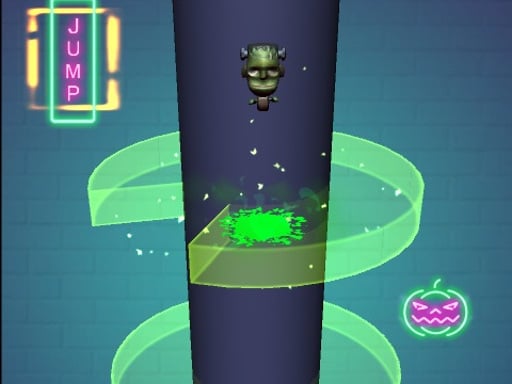
Scary Helix
Scary Helix
7,429
Navigate the ball through the twists and turns of the Helix maze to reach the bottom, making sure not to碰到彩色瓷砖即可赢得游戏。
Recommended Games

BTS Cute Cats Coloring
4.13,528
Click or tap on the screen to interact and progress through the game. Use these inputs to respond to in-game prompts and solve challenges.

Pacman Adventure
4.36,144
Use arrow keys on your keyboard or tap the corresponding directional buttons on the screen to control the movement of the character. Navigate left, right, up, or down depending on the challenges presented in the game.

Talking Baby Ginger
4.25,060
Click or tap the screen to interact and progress through the game. Use these inputs to respond to in-game prompts, solve puzzles, and navigate challenges.

Rise Egg Up
4.65,995
Touch and drag the shield around to guard the egg, moving it swiftly to intercept any incoming threats before they can reach and harm the egg.
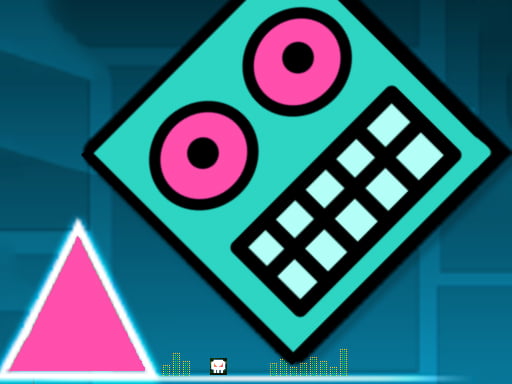
Geometry Dash: Mr Dubstep
4.14,703
Controls include left mouse button for jumping, allowing for double jumps, right mouse button to drop objects that can eliminate enemies, space bar to invert gravity providing unique movement dynamics, D for a boost to quickly traverse levels, and F to activate a special power enhancing capabilities momentarily.

Crazy Maze
4.97,401
Use arrow keys on keyboard or tap on screen to control movement and interactions in the game.

Talking Tom Funny Time
4.15,495
Click or tap on the screen to interact and progress through the game. Use these inputs to respond to in-game prompts, select options, or trigger actions as directed by the gameplay instructions.
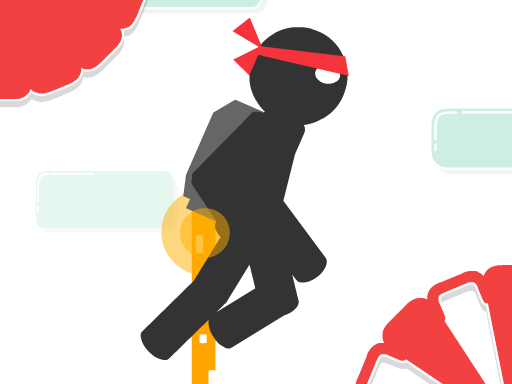
Stickjet Challenge
5.05,731
Touch and hold the screen to make your character fly upwards. The longer you hold, the higher they ascend. Release your touch to make the character stop flying and start running automatically along the ground. Adjust your timing of holding and releasing to navigate through obstacles and challenges in the game.

Talking Tom in Laboratory
4.35,370
Click or tap on the screen to interact and progress through the game. Use these inputs to respond to in-game prompts, solve puzzles, or control character actions as directed by the gameplay instructions.
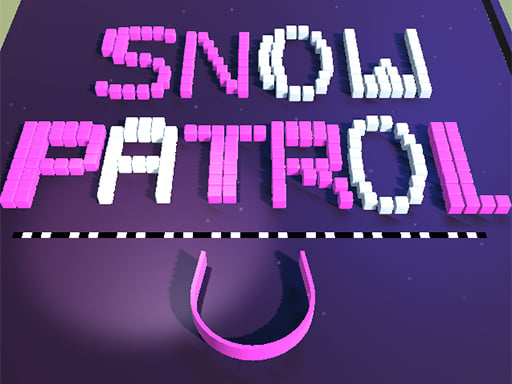
Snow Patrol
4.96,850
Use the mouse to click and interact with elements on the screen to play.
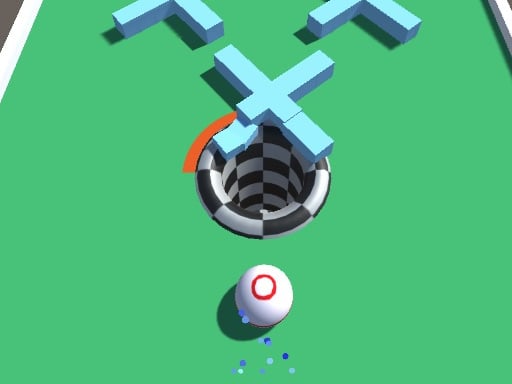
Gap Ball 3D
4.46,345
Use mouse for navigation and interaction. Click to select items or characters. Drag to move objects or人物角色。使用鼠标进行导航和互动。点击以选择物品或角色。拖动以移动物体或

Fire Bird
4.73,930
Click to start or press space. Guide the bird, avoiding pipes to fly as far as possible.
Endless Neon
4.56,394
In Touch Mouse players navigate through levels by guiding a mouse using touch inputs. Swiping on the screen moves the mouse left, right, up, or down. Collect cheese to score points and avoid cats and traps. Reach the exit door to complete each level. As you progress, levels become increasingly complex with more obstacles and challenges.
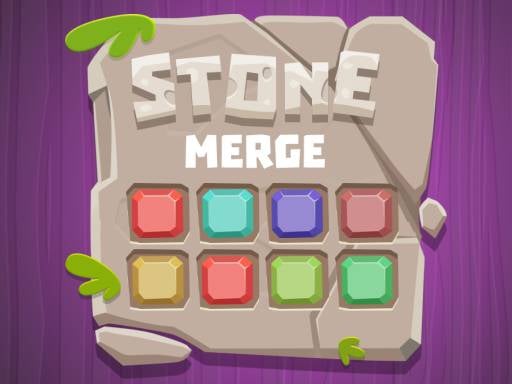
Stone Merge
4.23,587
Slide blocks or rocks onto matching numbers or relocate them if no match is available.
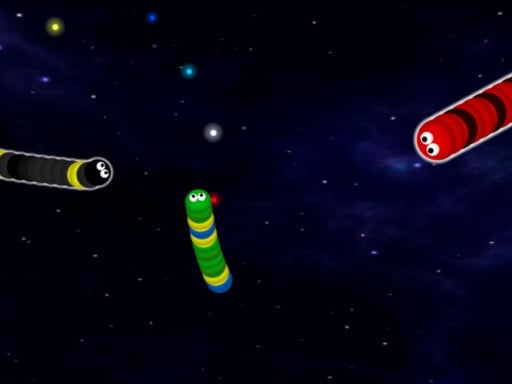
Galactic Snakes io
4.54,813
Controls: Use the mouse to move your spacecraft. Press Space to activate the boost for a speed burst.

Fidget Spinner.io
4.53,068
Click or tap on the screen to interact and progress through the game. Use these inputs to respond to in-game prompts, solve puzzles, or control character actions effectively.
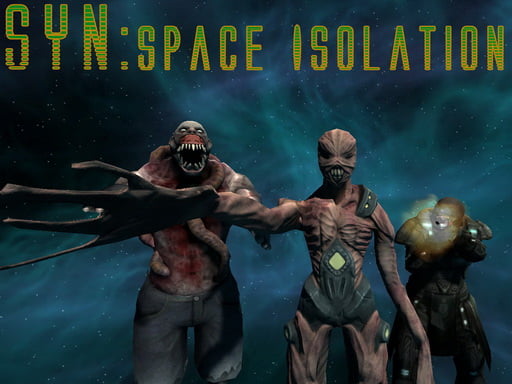
Shoot Your Nightmare: Space Isolation
4.83,618
W A S D to move around Mouse to look around Left mouse button to shoot Right mouse button to aim Mouse wheel to switch weapons G to throw grenades R to reload F to pick up items Left Shift to sprint Left CTRL to crouch X to prone Space to jump
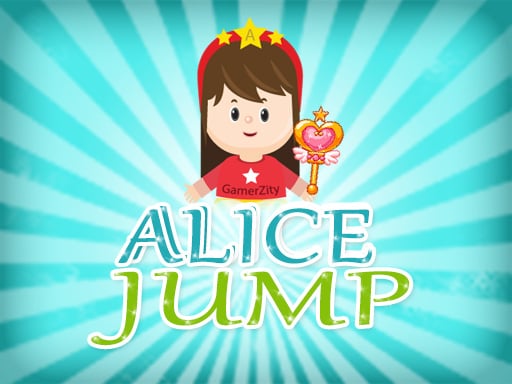
Alice Jump
4.14,483
Move left or right by tapping in Mobile and use arrow keys or mouse in PC. Collect special powers to enhance your character. Avoid touching skulls to stay alive and progress.

One Jump Bomb
4.96,852
GAME CONTROLS Use the Spacebar as a jump button. Press ESC to pause the game. Use M or RT to toggle music on and off for a muted or unmuted experience.
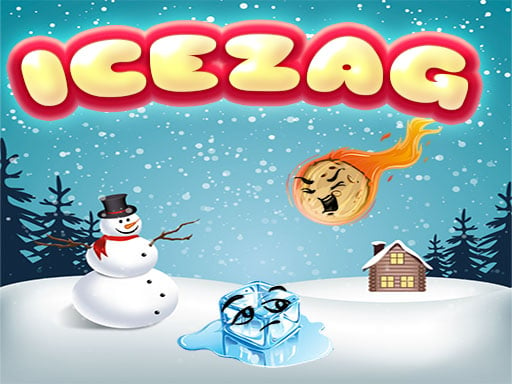
IceZag
4.87,526
In this game, players use mouse left click to interact with objects, select options, or perform actions within the game environment. This simple input method allows for intuitive navigation and engagement, enhancing user experience by enabling quick responses and decisions.