Arcade
5.0
Stickjet Challenge
Stickjet Challenge
5,731
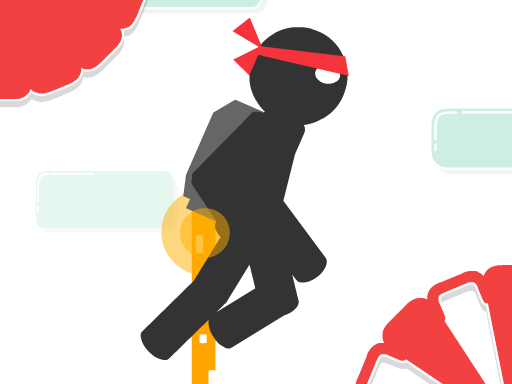
Navigate through the course by avoiding obstacles and gather every star you come across to achieve victory. Enjoy the journey and best of luck on your quest to become the ultimate star collector!
Recommended Games
Alien Invasion
4.64,607
Click or tap on the screen to interact and control elements within the game. Use these inputs to navigate characters, select options, or trigger actions as indicated by the game interface.
Geometry Dash: Mr Dubstep
4.14,703
Controls include left mouse button for jumping, allowing for double jumps, right mouse button to drop objects that can eliminate enemies, space bar to invert gravity providing unique movement dynamics, D for a boost to quickly traverse levels, and F to activate a special power enhancing capabilities momentarily.

Yellow Lines
4.77,855
Touch the screen to select your target, then drag your finger to aim. Once you're ready, simply release your finger to shoot. Adjust your aim by moving your finger for precision.

The Lost Chicken
4.86,587
In Mouse Only, players control a small mouse navigating through various mazes. The objective is simple: reach the cheese at the end of each level while avoiding traps and obstacles set by a mischievous cat. Using only mouse movements, players guide their character through increasingly complex pathways. Speed and precision are key as the levels progress, adding more challenges like moving hazards and tighter spaces. Each successful run adds points, encouraging replay for higher scores.
Worms Zone a Slithery Snake
5.03,864
Use the mouse to steer the worm and the space bar to accelerate its movement, helping you navigate through challenges efficiently.
Snow Patrol
4.96,850
Use the mouse to click and interact with elements on the screen to play.

Talking Baby Ginger
4.25,060
Click or tap the screen to interact and progress through the game. Use these inputs to respond to in-game prompts, solve puzzles, and navigate challenges.
Relic Runway
4.84,470
Slide arrows to navigate and control your character's movement through the levels. Swipe left, right, up, or down on the screen to direct your character, avoiding obstacles and collecting rewards along the way.

Fidget Spinner.io
4.53,068
Click or tap on the screen to interact and progress through the game. Use these inputs to respond to in-game prompts, solve puzzles, or control character actions effectively.

Basketball Bounce
4.93,661
Click or tap on the screen to interact and progress through the game. Use these inputs to respond to in-game prompts, solve puzzles, and navigate levels.
Spongebob Coin Adventure
4.84,724
Click or tap the screen to interact and progress through the game. Use these inputs to respond to in-game prompts, solve puzzles, and navigate levels. Adjust your timing and accuracy for different challenges.
Pet Subway Surfer
4.75,402
In Mouse Control, players navigate a tiny mouse through various mazes and obstacles. Utilizing arrow keys or mouse clicks for movement, the objective is to collect cheese scattered throughout each level while avoiding traps and predators like cats. Levels increase in complexity, introducing new challenges such as moving platforms and time limits. Points are earned for collected cheese and penalized for collisions, encouraging strategic navigation and quick reflexes.

One Jump Bomb
4.96,852
GAME CONTROLS Use the Spacebar as a jump button. Press ESC to pause the game. Use M or RT to toggle music on and off for a muted or unmuted experience.

Pacman Adventure
4.36,144
Use arrow keys on your keyboard or tap the corresponding directional buttons on the screen to control the movement of the character. Navigate left, right, up, or down depending on the challenges presented in the game.

Top Shootout: The Pirate Ship
4.85,690
Tap the screen to shoot. Each tap releases a shot and initiates a brief recharge period before you can fire again.Enemies approach from various directions, increasing in speed and number as you progress. Avoid collisions by moving your shooter left or right. Points are scored for each hit, with bonuses for consecutive hits on the same enemy.
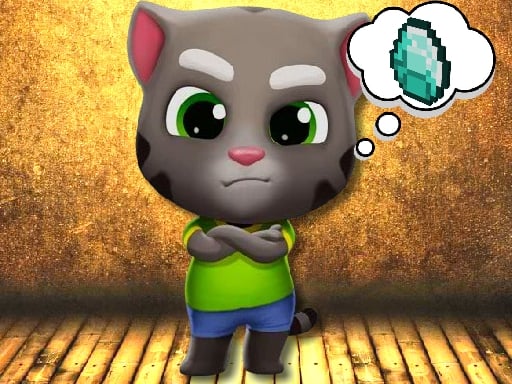
Talking Tom Diamond Hunt
4.77,901
Click or tap the screen to interact and control elements within the game. Use these inputs to navigate characters, select options, or trigger actions as indicated by the game interface.

Anti Stress Game 2
4.26,207
Click or tap on the screen to interact and progress through the game. Use these inputs to respond to in-game prompts, solve puzzles, or control character actions effectively.
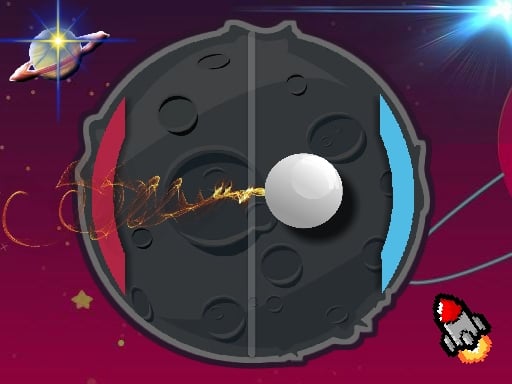
PvP Pong Challenge
4.83,867
Use keyboard, mouse, or touchscreen taps to interact and control elements within the game, enhancing navigation and engagement seamlessly.
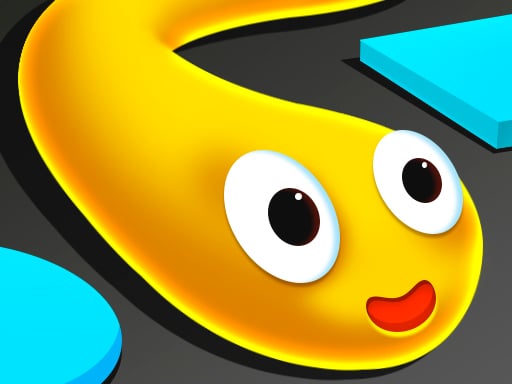
Color Snake
4.43,187
In Mouse Only, players control a small mouse navigating through various mazes. The objective is simple: collect all the cheese scattered throughout each level while avoiding traps and predators like cats. Players use only their mouse cursor for movement, clicking to move in any direction within the maze. As levels progress, mazes become more complex with additional obstacles and challenges, requiring strategic planning and quick reflexes to succeed.
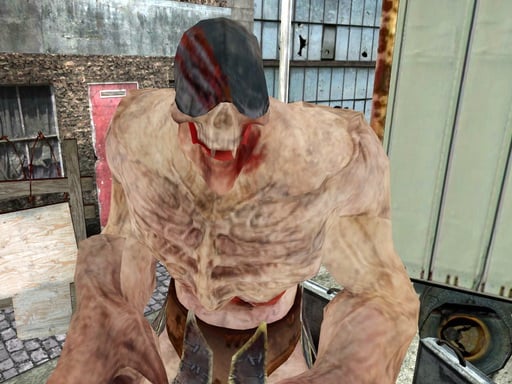
Final Night: Zombie Street Fight
4.85,908
Use arrow keys to move left, right, up, or down. Press spacebar to jump over obstacles or reach higher platforms. Tap Z or X to attack enemies or break objects. Hold C to defend against incoming attacks or projectiles. Press Esc or Tab to pause the game and access options.