Arcade
4.8
The Lost Chicken

The Lost Chicken
6,587
The Lost Chicken is an exciting 3D arcade adventure where you guide a determined chicken through a series of challenging, rotating helix platforms. Your mission is simple: reach the bottom by bouncing, sliding, and navigating through vibrant, swirling pathways. However, the journey is fraught with obstacles—colorful trees that seem to block every path. If your chicken crashes into one of these trees, it will shatter into pieces, and you'll need to restart from the top. It may sound straightforward, but trust us, it's far from easy!
Recommended Games
Pacman Adventure
4.36,144
Use arrow keys on your keyboard or tap the corresponding directional buttons on the screen to control the movement of the character. Navigate left, right, up, or down depending on the challenges presented in the game.
Shoot Your Nightmare: Space Isolation
4.83,618
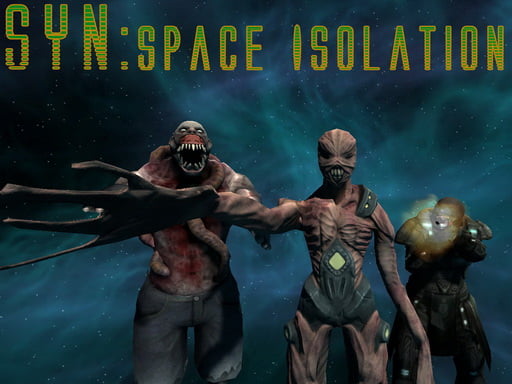
W A S D to move around Mouse to look around Left mouse button to shoot Right mouse button to aim Mouse wheel to switch weapons G to throw grenades R to reload F to pick up items Left Shift to sprint Left CTRL to crouch X to prone Space to jump

Top Shootout: The Saloon
5.05,888
Tap the screen to shoot. Each tap releases a projectile and initiates a brief recharge period before you can tap again.Enemies approach from the sides; strategic timing of your taps is crucial for defense.Upgrade options become available as you progress, allowing you to increase firing speed or projectile power for enhanced combat effectiveness.
Worms Zone a Slithery Snake
5.03,864
Use the mouse to steer the worm and the space bar to accelerate its movement, helping you navigate through challenges efficiently.
PACMAN
4.64,291
Use arrow keys on the keyboard to move left, right, up, or down within the game environment. This navigation allows players to control their character's direction for various actions like collecting items, avoiding obstacles, or reaching specific locations.
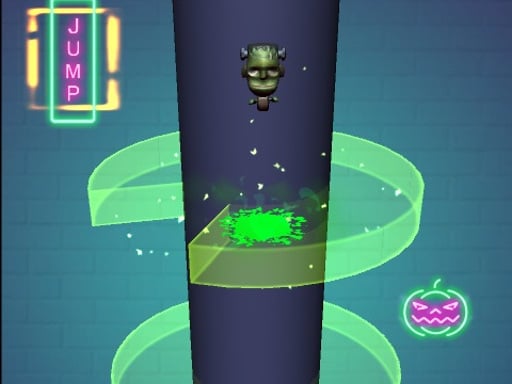
Scary Helix
4.27,429
Use the mouse to click and interact with elements on the screen to play.
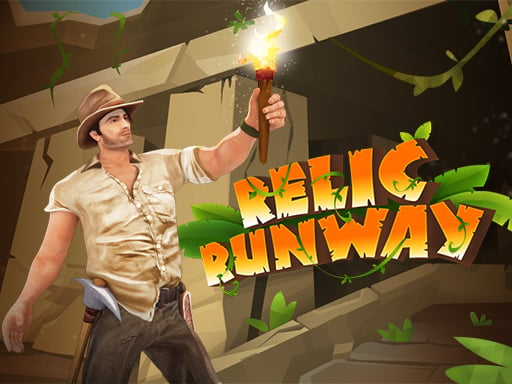
Relic Runway
4.84,470
Slide arrows to navigate and control your character's movement through the levels. Swipe left, right, up, or down on the screen to direct your character, avoiding obstacles and collecting rewards along the way.
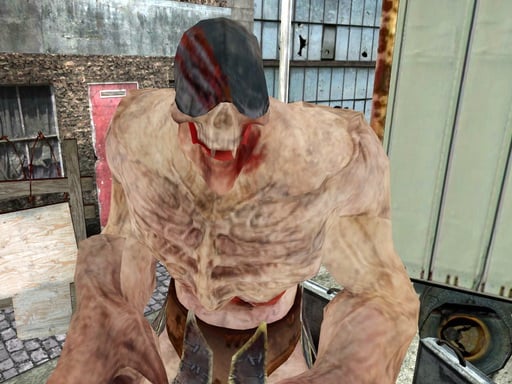
Final Night: Zombie Street Fight
4.85,908
Use arrow keys to move left, right, up, or down. Press spacebar to jump over obstacles or reach higher platforms. Tap Z or X to attack enemies or break objects. Hold C to defend against incoming attacks or projectiles. Press Esc or Tab to pause the game and access options.
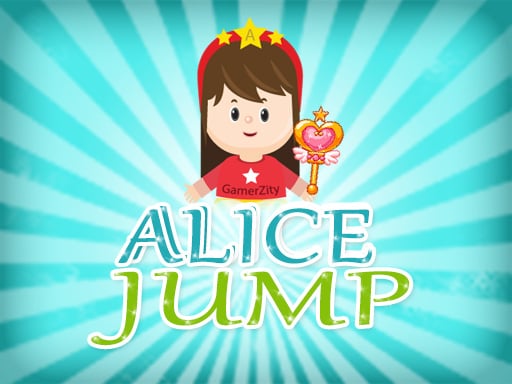
Alice Jump
4.14,483
Move left or right by tapping in Mobile and use arrow keys or mouse in PC. Collect special powers to enhance your character. Avoid touching skulls to stay alive and progress.
Halloween Defence
4.53,523
Use mouse clicks or screen touches to interact with the game elements. Each click or touch can select items, trigger actions, or navigate through menus. This direct interaction allows for intuitive and responsive gameplay, enhancing user engagement and control within the game environment.
Ouija Voices
4.94,472
In this game, players use a keyboard for primary commands and navigation, while the mouse handles aiming and interacting with objects in the game environment. This setup allows for precise control during gameplay, enhancing both movement and engagement with the game's elements.
Slime Attack
4.65,177
Mouse - Click to select or interact Touch-screen - Tap to select or engage elements

Adjust in the wall
4.64,806
On Desktop - Press A to move the block left and D to move it right. On Mobile - Swipe left or right on the screen to move the block accordingly.
Miner Dash
4.37,584
Use arrow keys on your keyboard or simply tap on the screen to move in the desired direction. This intuitive control scheme allows for easy navigation through the game, enhancing player experience and accessibility.
Cube Endless Jumping
4.24,974
Use arrow keys on the keyboard or swipe on the screen to control the character's movements. Tapping on the screen can be used for interactions or actions depending on the game scenario.

Top Shootout: The Pirate Ship
4.85,690
Tap the screen to shoot. Each tap releases a shot and initiates a brief recharge period before you can fire again.Enemies approach from various directions, increasing in speed and number as you progress. Avoid collisions by moving your shooter left or right. Points are scored for each hit, with bonuses for consecutive hits on the same enemy.

Rise Egg Up
4.65,995
Touch and drag the shield around to guard the egg, moving it swiftly to intercept any incoming threats before they can reach and harm the egg.

Super Bounce
4.34,512
In Mouse Only, players control a small mouse navigating through various mazes. The objective is simple yet challenging: find cheese scattered throughout each level while avoiding predators like cats and traps. Movement is controlled solely by the mouse button; clicking the button makes the mouse jump, which is essential for both dodging obstacles and reaching higher platforms. Levels increase in complexity, introducing new hazards and requiring strategic use of jumps to progress. The game emphasizes quick reflexes and precise timing, offering a unique blend of challenge and simplicity.
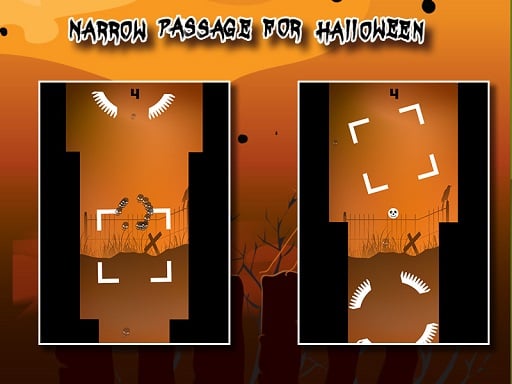
Narrow Passage For Halloween
4.13,747
In Mouse, players assume the role of mice navigating through a cheese-filled maze. Each player selects a mouse pawn and places it at the starting point. On each turn, a player rolls a die to move their mouse forward, aiming to collect as much cheese as possible while avoiding traps and other dangers. Cheese pieces scattered throughout the maze are collected by landing exactly on spaces containing them. The game includes various challenges like cat tokens that can be placed to block paths or steal cheese, adding an element of risk and strategy. The first player to accumulate a predetermined amount of cheese wins the game, encouraging both luck and careful planning in every move.