Arcade
4.9
Snow Patrol
Snow Patrol
6,850
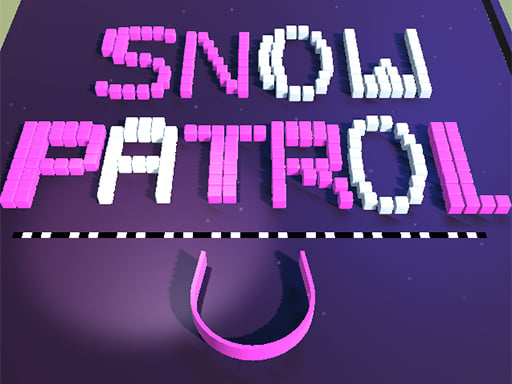
Collect as many balls as you can and guide them towards the hole. Once you've gathered enough balls, continue to the next stage. Keep playing through these stages until you complete the entire level.
Recommended Games
Amazing Redpanda
4.74,421
Mouse - Click to select or interact Touch-screen - Tap to select or engage elements
Gap Ball 3D
4.46,345
Use mouse for navigation and interaction. Click to select items or characters. Drag to move objects or人物角色。使用鼠标进行导航和互动。点击以选择物品或角色。拖动以移动物体或
Shoot Your Nightmare: Space Isolation
4.83,618
W A S D to move around Mouse to look around Left mouse button to shoot Right mouse button to aim Mouse wheel to switch weapons G to throw grenades R to reload F to pick up items Left Shift to sprint Left CTRL to crouch X to prone Space to jump
Cube Endless Jumping
4.24,974
Use arrow keys on the keyboard or swipe on the screen to control the character's movements. Tapping on the screen can be used for interactions or actions depending on the game scenario.

Super Bounce
4.34,512
In Mouse Only, players control a small mouse navigating through various mazes. The objective is simple yet challenging: find cheese scattered throughout each level while avoiding predators like cats and traps. Movement is controlled solely by the mouse button; clicking the button makes the mouse jump, which is essential for both dodging obstacles and reaching higher platforms. Levels increase in complexity, introducing new hazards and requiring strategic use of jumps to progress. The game emphasizes quick reflexes and precise timing, offering a unique blend of challenge and simplicity.

Talking Baby Ginger
4.25,060
Click or tap the screen to interact and progress through the game. Use these inputs to respond to in-game prompts, solve puzzles, and navigate challenges.
Stone Merge
4.23,587
Slide blocks or rocks onto matching numbers or relocate them if no match is available.

Just One
4.76,120
Use mouse or touch screen to aim. Clicking with mouse or releasing finger on touchscreen fires shot.

The Lost Chicken
4.86,587
In Mouse Only, players control a small mouse navigating through various mazes. The objective is simple: reach the cheese at the end of each level while avoiding traps and obstacles set by a mischievous cat. Using only mouse movements, players guide their character through increasingly complex pathways. Speed and precision are key as the levels progress, adding more challenges like moving hazards and tighter spaces. Each successful run adds points, encouraging replay for higher scores.

Anti Stress Game 2
4.26,207
Click or tap on the screen to interact and progress through the game. Use these inputs to respond to in-game prompts, solve puzzles, or control character actions effectively.

BTS Cute Cats Coloring
4.13,528
Click or tap on the screen to interact and progress through the game. Use these inputs to respond to in-game prompts and solve challenges.

Rise Egg Up
4.65,995
Touch and drag the shield around to guard the egg, moving it swiftly to intercept any incoming threats before they can reach and harm the egg.
BTS Monster Truck Coloring
4.17,522
Click or tap the screen to interact and control elements within the game. Use these inputs to navigate characters, select options, or trigger actions as directed by the gameplay prompts.

Road Fury
4.16,654
Destroy as many vehicles as possible while collecting bonuses and currency for enhancements. Opponents possess varied skills, yielding distinct rewards upon defeat. Explore each car's capabilities and corresponding loot.
Jungle Matching
4.45,328
Click or tap to interact and advance in the game. Use your mouse or touch screen to trigger events, solve puzzles, and navigate through levels by simply clicking or tapping on the screen where indicated. This intuitive method allows for easy engagement with various game elements, enhancing accessibility and enjoyment for all players.
Final Night: Zombie Street Fight
4.85,908
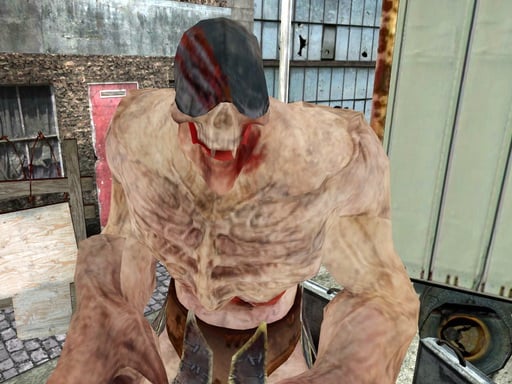
Use arrow keys to move left, right, up, or down. Press spacebar to jump over obstacles or reach higher platforms. Tap Z or X to attack enemies or break objects. Hold C to defend against incoming attacks or projectiles. Press Esc or Tab to pause the game and access options.

Fidget Spinner.io
4.53,068
Click or tap on the screen to interact and progress through the game. Use these inputs to respond to in-game prompts, solve puzzles, or control character actions effectively.
Stickjet Challenge
5.05,731
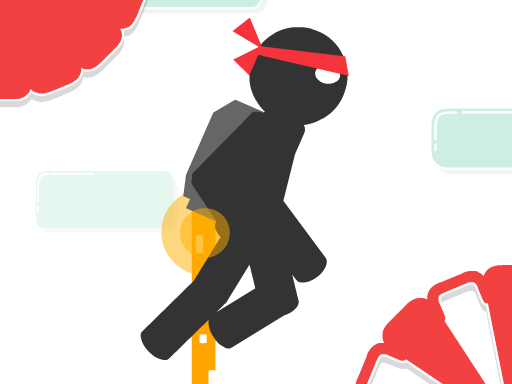
Touch and hold the screen to make your character fly upwards. The longer you hold, the higher they ascend. Release your touch to make the character stop flying and start running automatically along the ground. Adjust your timing of holding and releasing to navigate through obstacles and challenges in the game.
Slime Attack
4.65,177
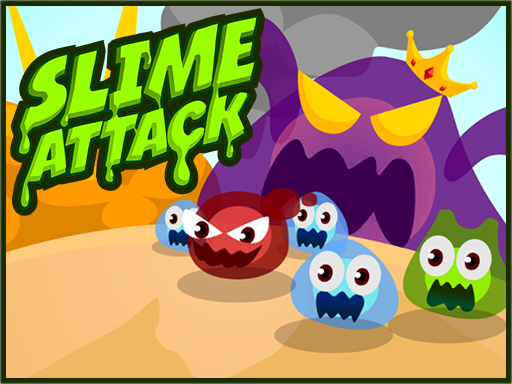
Mouse - Click to select or interact Touch-screen - Tap to select or engage elements

Yeti Sensation
4.74,272
Keys and swipes navigate movement, guiding characters smoothly through levels with simple gestures or key presses for accessibility and ease.