Arcade
4.0
Black Or White

Black Or White
4,452
Touch the screen to guide the ball smoothly around various obstacles. Remember, the ball can only move over obstacles that match its color exactly. Passing through an obstacle of a different color will cause you to restart. Stay alert as the ball's color might change unpredictably at any time.
Recommended Games
Worms Zone a Slithery Snake
5.03,864
Use the mouse to steer the worm and the space bar to accelerate its movement, helping you navigate through challenges efficiently.
Miner Dash
4.37,584
Use arrow keys on your keyboard or simply tap on the screen to move in the desired direction. This intuitive control scheme allows for easy navigation through the game, enhancing player experience and accessibility.
Cube Endless Jumping
4.24,974
Use arrow keys on the keyboard or swipe on the screen to control the character's movements. Tapping on the screen can be used for interactions or actions depending on the game scenario.
Endless Neon
4.56,394
In Touch Mouse players navigate through levels by guiding a mouse using touch inputs. Swiping on the screen moves the mouse left, right, up, or down. Collect cheese to score points and avoid cats and traps. Reach the exit door to complete each level. As you progress, levels become increasingly complex with more obstacles and challenges.

Fidget Spinner.io
4.53,068
Click or tap on the screen to interact and progress through the game. Use these inputs to respond to in-game prompts, solve puzzles, or control character actions effectively.

Top Shootout: The Saloon
5.05,888
Tap the screen to shoot. Each tap releases a projectile and initiates a brief recharge period before you can tap again.Enemies approach from the sides; strategic timing of your taps is crucial for defense.Upgrade options become available as you progress, allowing you to increase firing speed or projectile power for enhanced combat effectiveness.
Candy Match3
5.05,079
Click or tap on the screen to interact and progress through the game. Use these inputs to respond to in-game prompts, solve puzzles, or control character actions effectively.

Just One
4.76,120
Use mouse or touch screen to aim. Clicking with mouse or releasing finger on touchscreen fires shot.
Relic Runway
4.84,470
Slide arrows to navigate and control your character's movement through the levels. Swipe left, right, up, or down on the screen to direct your character, avoiding obstacles and collecting rewards along the way.
Ouija Voices
4.94,472
In this game, players use a keyboard for primary commands and navigation, while the mouse handles aiming and interacting with objects in the game environment. This setup allows for precise control during gameplay, enhancing both movement and engagement with the game's elements.
Anti Stress Game
4.76,179
Click or tap on the screen to interact and control elements within the game. Use these inputs to navigate characters, select options, or trigger actions as indicated by the gameplay prompts.
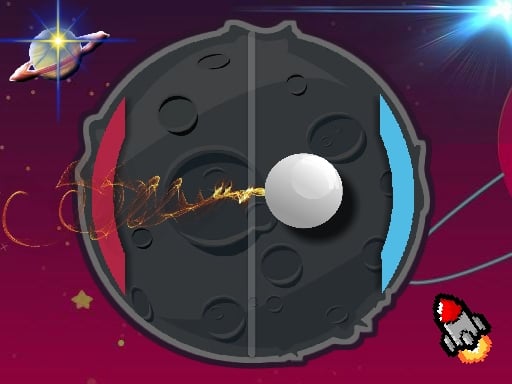
PvP Pong Challenge
4.83,867
Use keyboard, mouse, or touchscreen taps to interact and control elements within the game, enhancing navigation and engagement seamlessly.
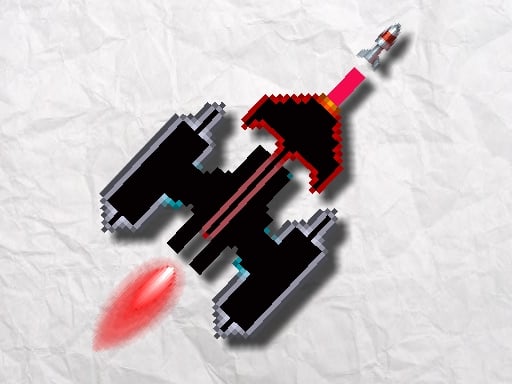
Alien Invasion
4.64,607
Click or tap on the screen to interact and control elements within the game. Use these inputs to navigate characters, select options, or trigger actions as indicated by the game interface.
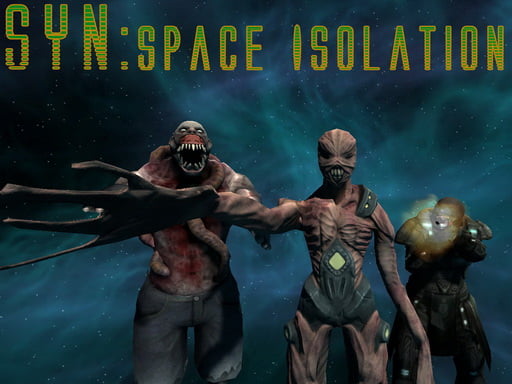
Shoot Your Nightmare: Space Isolation
4.83,618
W A S D to move around Mouse to look around Left mouse button to shoot Right mouse button to aim Mouse wheel to switch weapons G to throw grenades R to reload F to pick up items Left Shift to sprint Left CTRL to crouch X to prone Space to jump

Jump Box Ninja
4.44,217
Tap to ascend as high as possible by jumping避开尖刺
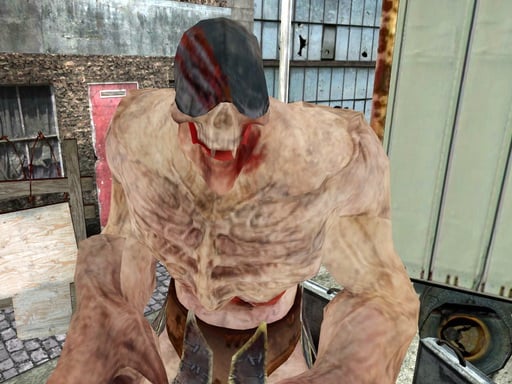
Final Night: Zombie Street Fight
4.85,908
Use arrow keys to move left, right, up, or down. Press spacebar to jump over obstacles or reach higher platforms. Tap Z or X to attack enemies or break objects. Hold C to defend against incoming attacks or projectiles. Press Esc or Tab to pause the game and access options.

Talking Tom in Laboratory
4.35,370
Click or tap on the screen to interact and progress through the game. Use these inputs to respond to in-game prompts, solve puzzles, or control character actions as directed by the gameplay instructions.
Halloween Defence
4.53,523
Use mouse clicks or screen touches to interact with the game elements. Each click or touch can select items, trigger actions, or navigate through menus. This direct interaction allows for intuitive and responsive gameplay, enhancing user engagement and control within the game environment.
Spongebob Coin Adventure
4.84,724
Click or tap the screen to interact and progress through the game. Use these inputs to respond to in-game prompts, solve puzzles, and navigate levels. Adjust your timing and accuracy for different challenges.

Adjust in the wall
4.64,806
On Desktop - Press A to move the block left and D to move it right. On Mobile - Swipe left or right on the screen to move the block accordingly.